
One RIP and one production workflow for all your printers.

Standardize color, reduce waste, and prepare jobs faster. PrintFactory also works with older models, and support can evaluate and add a driver for a device not yet listed.

The trial is free. The displayed price is the subscription after the trial, and CRINTAC confirms your devices and implementation plan before activation.

Older models supportedDriver additions on requestFree trial with CRINTAC support
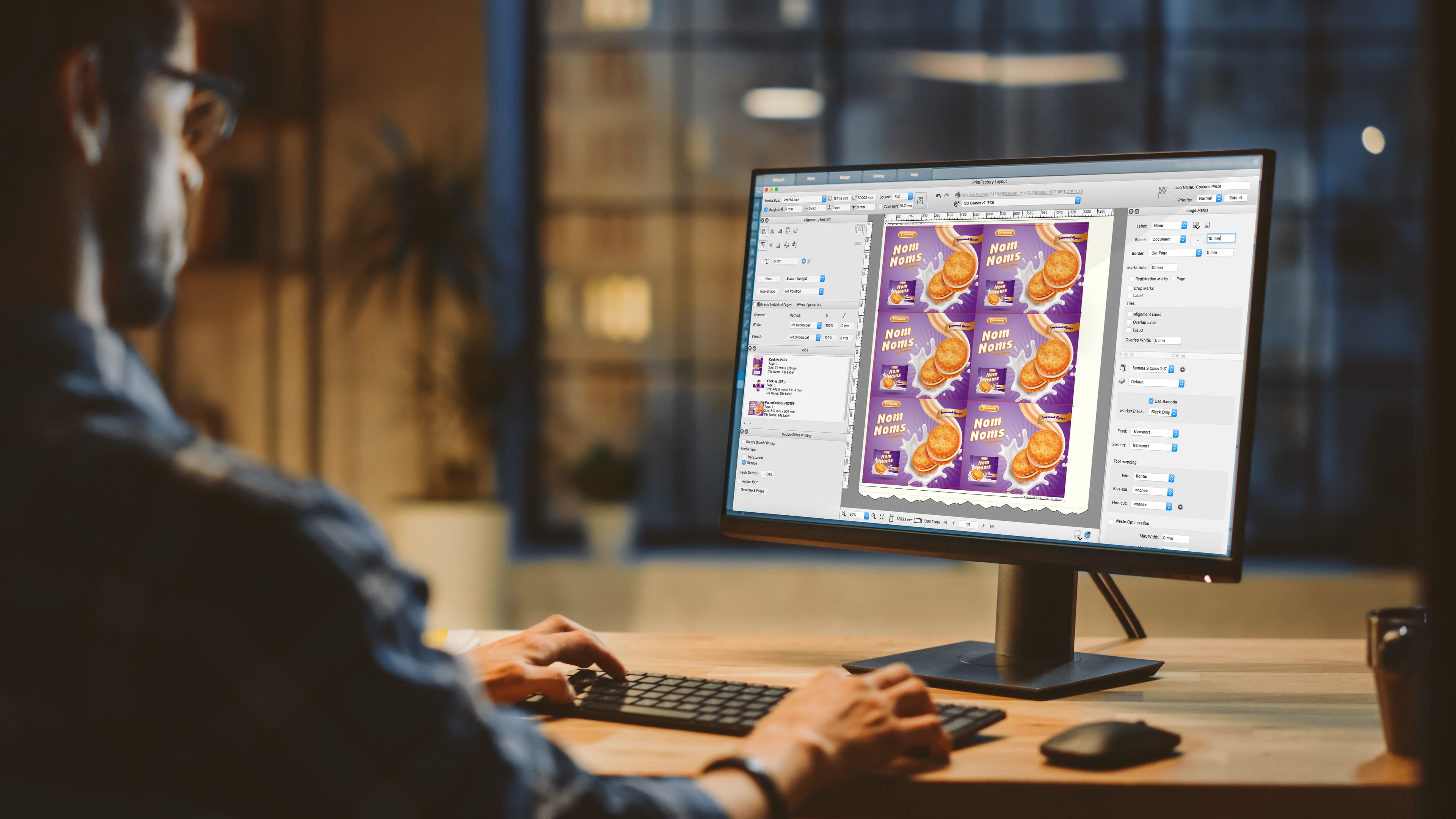
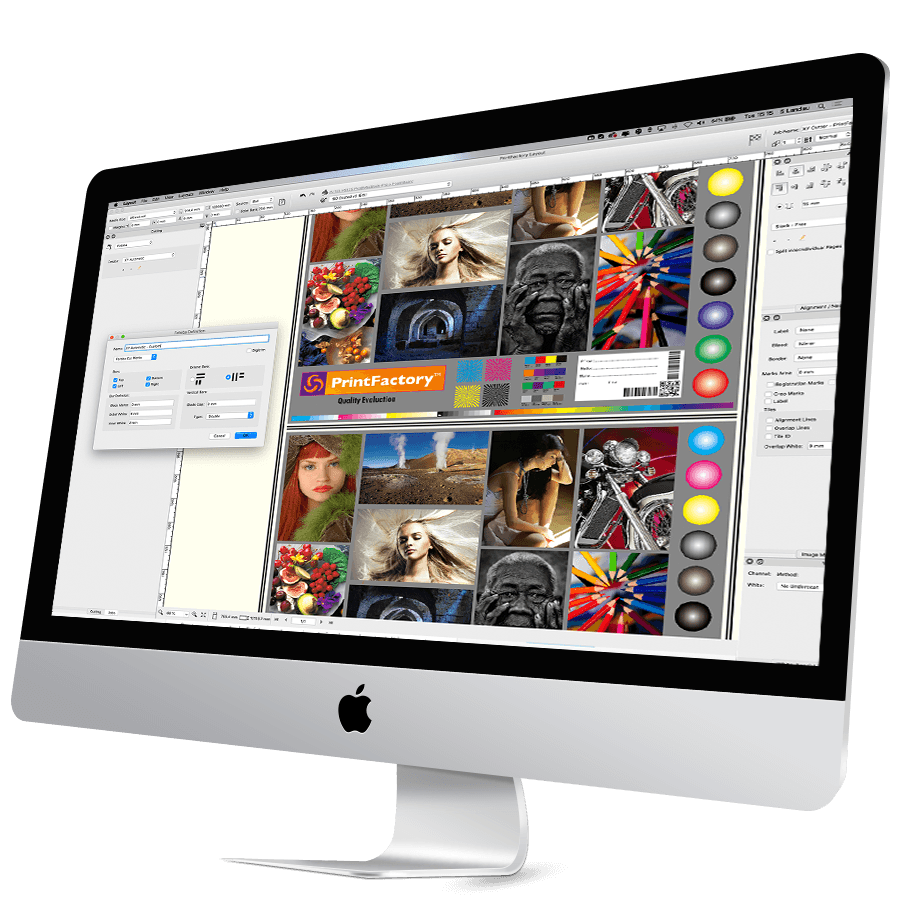
PrintFactory production workspace
Old and new
Models in one workflow
Not listed?
We check driver availability
Local team
Implementation in SRB/EN

Why customers switch to PrintFactory

Based on published customer reports and PrintFactory technical materials

Calculate potential savings
20-30%

Average ink saving stated for EcoSave

25%

Productivity increase in the Moti Digital case study

<10 min

Device-link profile creation time in the Signtech case study

A smarter way to run production

PrintFactory ties planning, RIP, color management, and analytics into one platform to reduce waste and increase throughput.

Consistent color across devices and substrates

Clear cost control per job and per material

Automation from preflight to finishing

Cloud visibility for every team and site

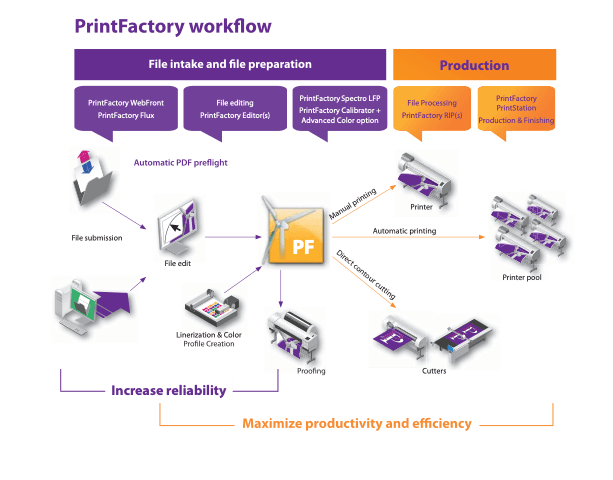
From file intake to finished output

PrintFactory connects file submission, editing, RIP, calibration, and production into a single flow.

File submission

Collect jobs from WebFront, MIS, or direct upload.

Editing & preflight

Prepare files in Editor and standardize with profiles.

RIP & calibration

Process with PrintFactory RIP and Calibrator for reliable color.

Production & finishing

Run PrintStation queues, printer pools, and finishing.

PrintFactory workflow scheme

Unified workflow

Connect intake, prepress, production, and delivery in one flow.

Color management

Calibrate devices once and keep color stable across jobs.

Cost control

Track cost per job and prevent overruns before they happen.

Automation

Reduce manual steps with templates, rules, and presets.

Consistent output

Deliver the same quality every time, across machines.

Cloud visibility

Monitor production remotely with shared dashboards.

What teams see in practice

Screens from real PrintFactory workflows.

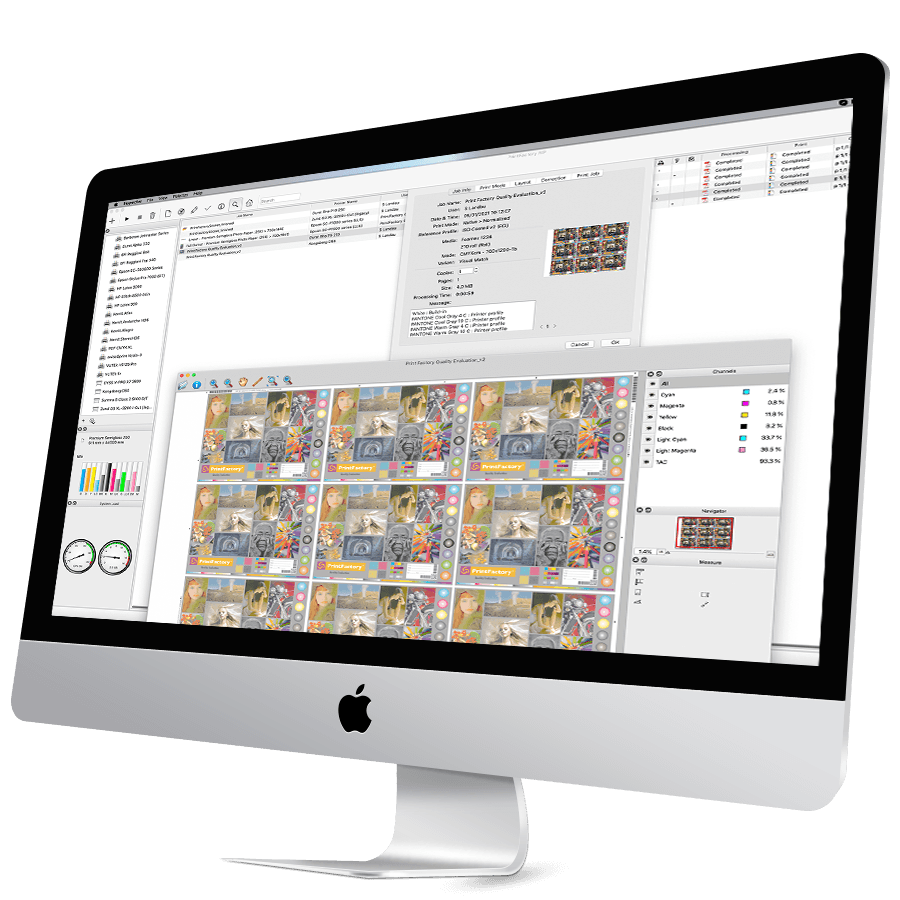
Speed up prepress

Speed up prepress

Automated preflight and fast job setup.

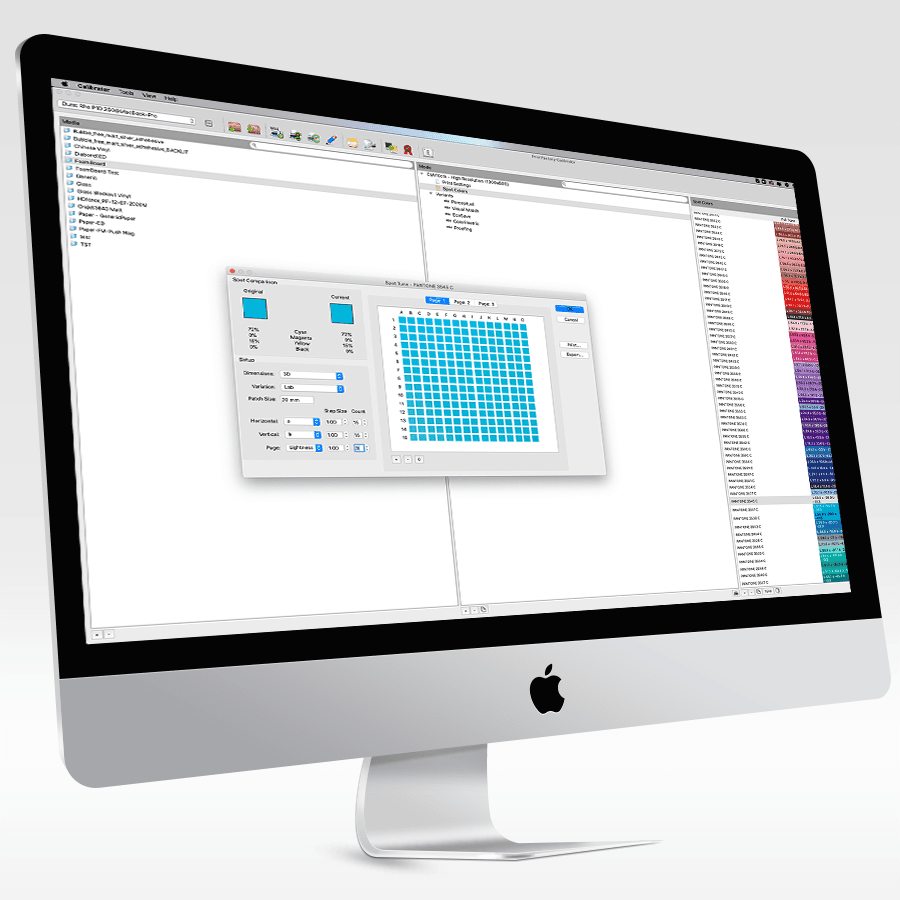
Control colour

Control colour

Calibrate devices and keep output consistent.

Produce jobs

Produce jobs

Operator-ready queues with clear production status.

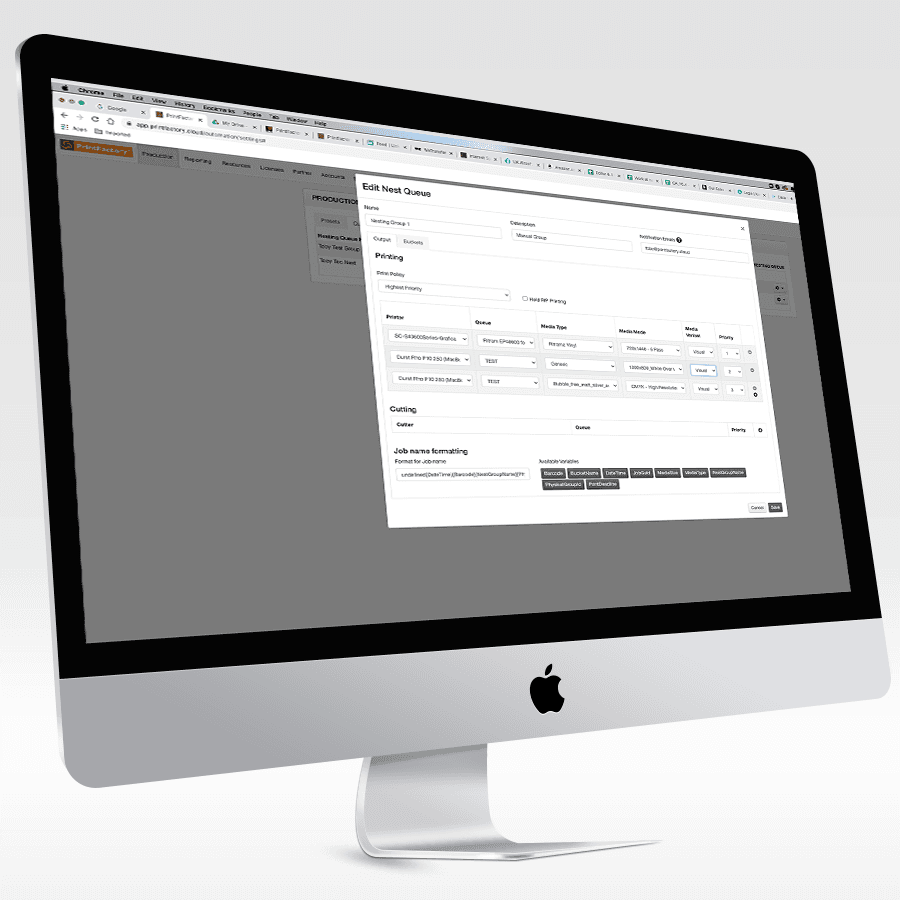
Optimize processes

Optimize processes

Nesting and routing reduce waste and delays.

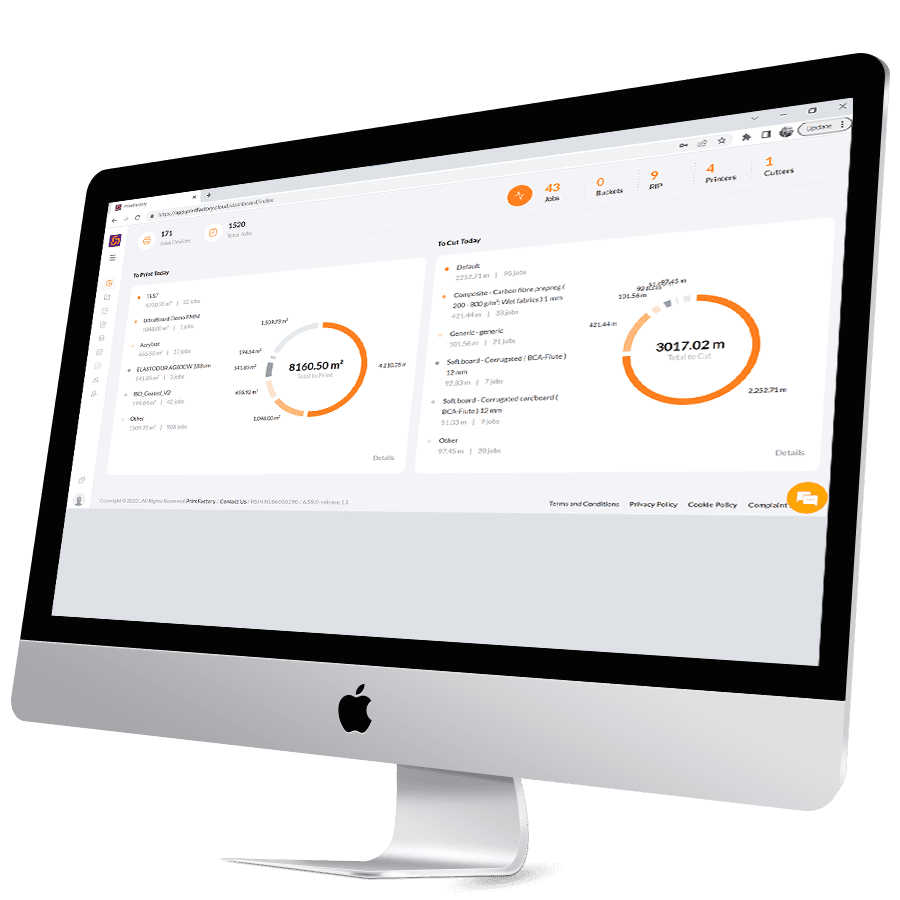
Gain insights

Gain insights

Track throughput, costs, and device utilization.

Everything you need, modularly

Enable only what your workflow needs today and scale as you grow.

RIP & Layout

Precision processing with flexible layout tools.

Calibrator

Device calibration and profile management.

PrintStation

Production station for operators and queues.

Just‑in‑Time Tools

Optimize throughput with dynamic job routing.

Cloud Editor

Collaborate on jobs across teams and sites.

Production

Plan, track, and verify production quality.

Connect

Integrations for MIS/ERP and workflow systems.

Automation

Rules and presets for faster, cleaner output.

Cloud automation without bottlenecks

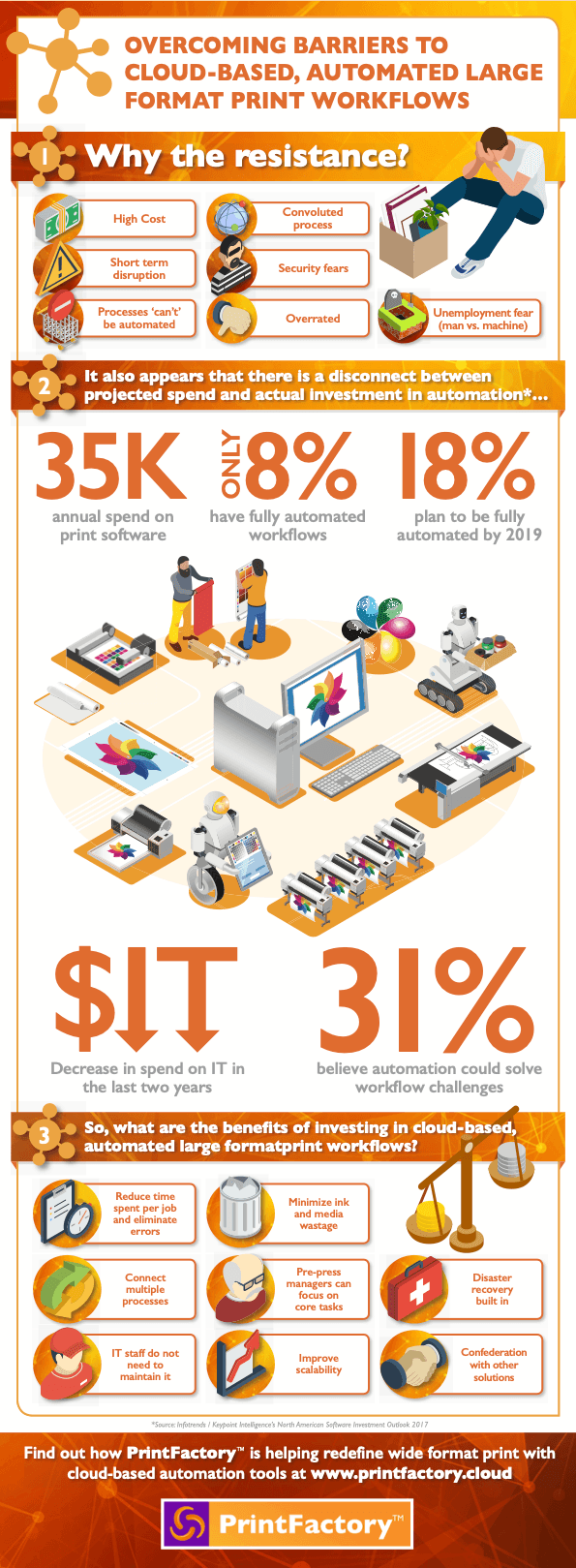
Key advantages highlighted in the PrintFactory automation infographic.

  • Reduce time per job and eliminate errors

  • Connect multiple processes into one flow

  • No ongoing in-house IT maintenance

  • Built-in disaster recovery

  • Integrates with other solutions

  • Minimize ink and media waste

  • Prepress managers focus on core tasks

  • Improve scalability

PrintFactory automation infographic

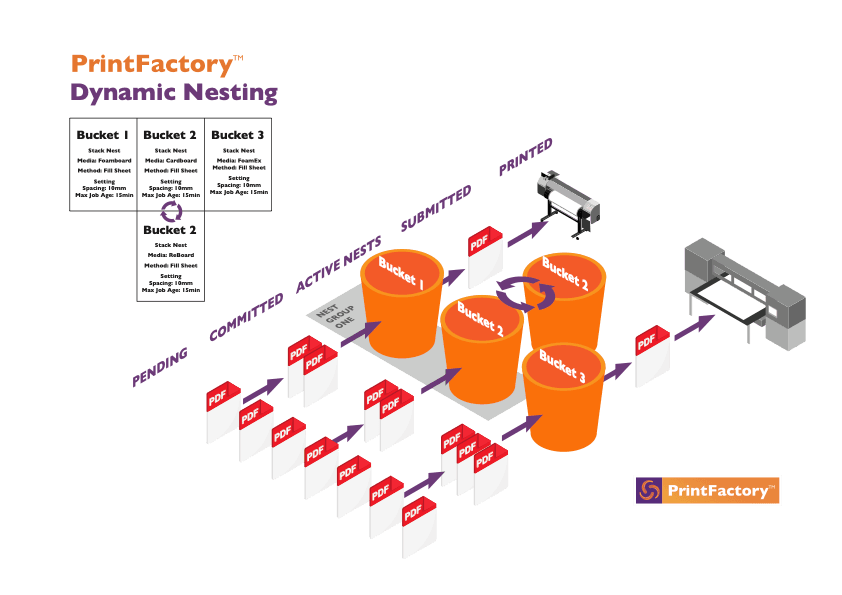
Dynamic nesting for media efficiency

Group jobs by media, auto-fill sheets, and control spacing and max job age.

PrintFactory dynamic nesting diagram

Where PrintFactory matters most by industry

Key workflow advantages by segment, based on PrintFactory's market pages and knowledge base.

Best suited to mixed fleets that need the same color and faster preparation across roll media, rigid boards, print-cut, and multi-site production.

What matters most

  • Automation around nesting, tiling, templates, and cutter integration is the biggest day-to-day gain for sign shops handling many short-run jobs.
  • PrintFactory also emphasizes consistent color across devices and substrates, plus XML and e-commerce integration for lower-touch job intake.

PrintFactory treats DTF as a complete production workflow: profile the printer on film, automate white and finishing layers, and combine many jobs into efficient gang sheets.

What matters most

  • White control is the make-or-break capability: dynamic white generation, choke adjustment, and feathering help balance adhesion, opacity, and a softer transfer hand.
  • Hybrid halftone screening, black knock-out for dark garments, and T-Color profiling reduce ink laydown while keeping saturation and detail.
  • True Shape nesting, QR-driven job recall, and tear-off labels make high-mix gang-sheet production much easier to repeat.

Textile workflows focus on repeatable color development, strike-offs, and fast recoloring rather than only raw RIP speed.

What matters most

  • Colorways, color atlases, and proofing on a proofer are the key tools when designers need to approve many variants quickly.
  • The platform also stresses efficient ink use, fast recalibration, and consistent output across sites and printer models.

For DTG, PrintFactory focuses on separation quality and production throughput on garment printers with white ink.

What matters most

  • The DTG Separation tool removes unnecessary colors on colored garments, applies white choke, and supports highlight layers for cleaner underbases.
  • Support for up to 24 color channels, expanding spot colors, and multiple simultaneous files helps high-end DTG setups keep presses fed.

Decor and wallpaper benefit most where design migration, repeatability, and single-pass readiness matter more than basic RIPing.

What matters most

  • PrintFactory highlights quicker setup, lower operating cost, and color consistency for industrial decor workflows.
  • Migration from AVA, proofing during design development, and accurate recoloring are called out specifically for decor producers.

Ceramic printing is presented as a calibration-heavy environment where stable color and quick correction have direct production impact.

What matters most

  • Fast recalibration and precise tuning through the full production cycle are the most important benefits for ceramic lines.
  • PrintFactory also points to design migration, proofing during development, and consistency across ceramic devices.

For industrial print, the strongest argument is automation inside connected production lines rather than a standalone RIP workstation.

What matters most

  • Workflow automation, XML connectivity, and low-touch production support Industry 4.0 style environments.
  • The Barberan partnership highlights relevance for wood, cork, plastics, ceramics, and metals where uptime and repeatability matter.

This is where PrintFactory starts acting like an operating system for incoming jobs: intake, normalization, nesting, labels, and production data can be chained together.

What matters most

  • Web-to-Print and MIS connectivity are the most important pieces because they remove repeated manual setup between order entry and print.
  • Cloud nesting, job bags, tracking labels, and dynamic scheduling help convert many small orders into production-ready batches.

For labels and packaging, the clearest value is in proofing, spot-color control, and validation against a print condition.

What matters most

  • Multi-channel device links, spot-color tuning, and CXF/X-4 support are central for brand-color-heavy packaging work.
  • Proof certification and QR-based remote validation help teams approve jobs faster without losing color confidence.

From first look to live production

CRINTAC guides you through a fast, practical trial.

Step 1

Register and request access

Submit the form and we create your trial workspace.

Step 2

Implementation and workflow mapping

A short session with CRINTAC to set up devices and jobs.

Step 3

Trial with real orders

Validate speed, quality, and cost control on real jobs.

Ready to try?

Get PrintFactoryA Kornit Digital Company trial access with CRINTAC

Register to receive access and a practical implementation plan from CRINTAC.

Questions buyers ask before moving to trial

Clear answers help you assess whether PrintFactory fits your equipment and production process.

What is PrintFactory best suited for?

PrintFactory is strongest where teams need one workflow across job intake, RIP, color management, automation, and production visibility.

Why work with CRINTAC instead of using only the global vendor site?

CRINTAC provides local trial support, implementation guidance, training, and assistance for print businesses in Serbia.

Can PrintFactory help beyond RIP processing?

Yes. PrintFactory combines workflow control, consistent color, automation, cost visibility, and connected production operations.

Does PrintFactory work with older printers and plotters?

Yes. The catalog includes older models, so existing equipment does not have to be replaced to introduce one RIP and production workflow.

What if my exact model is not listed?

Send the brand and exact model to CRINTAC. We will check the available driver and, when needed, ask PrintFactory support to add it.

CRINTAC · PrintFactory by CRINTAC